Reading tip: Use the sidebar or search to jump between{" "}
tutorials (screenshots) and reference pages (field-by-field
behavior).
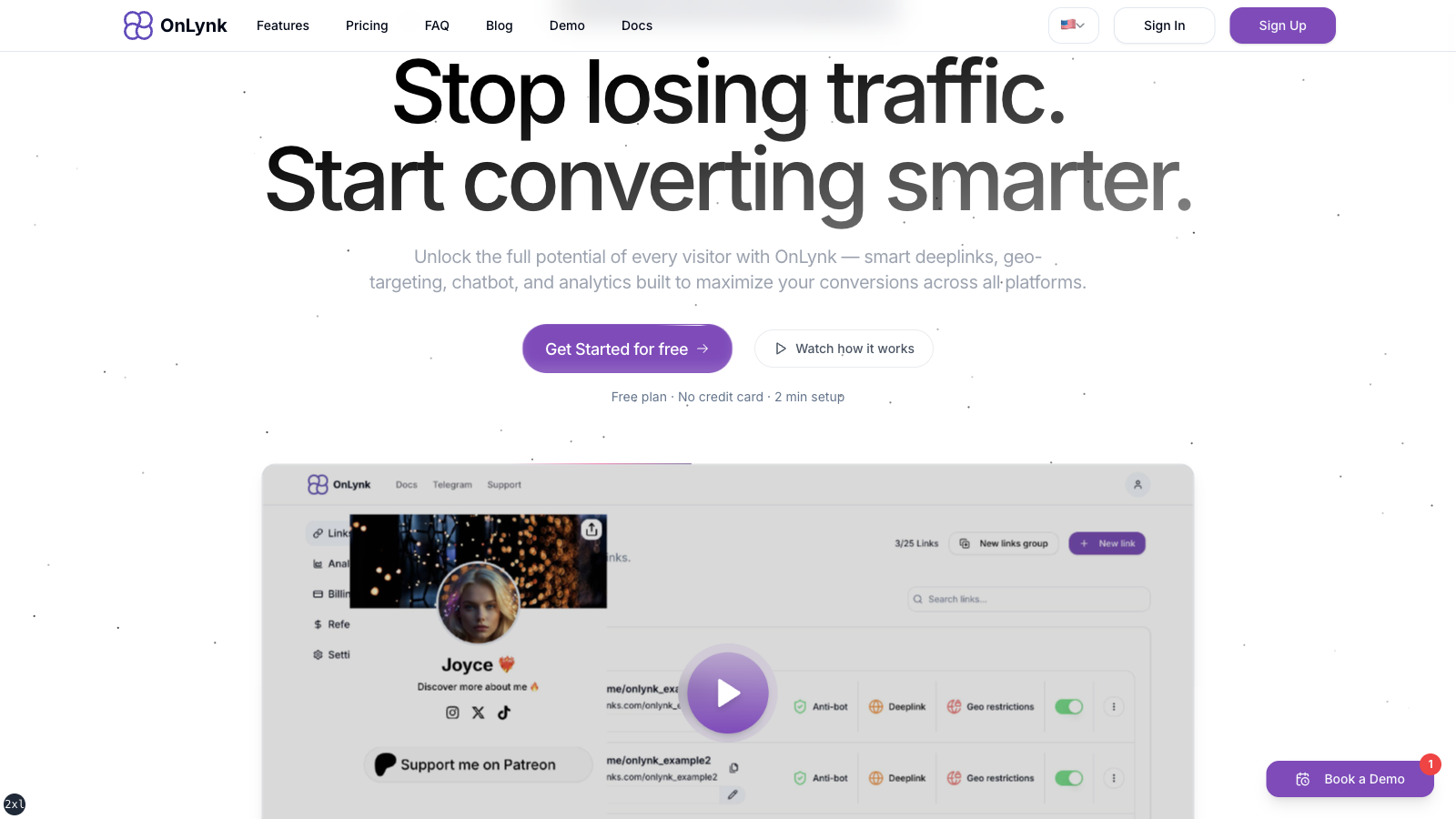
Screenshot of onlynk.me (marketing site): one branded URL
for your links, socials, and cards.
Welcome to the **OnLynk** documentation. OnLynk helps you publish branded **link pages**—single destinations that collect your social profiles, buttons, and cards, then route visitors to the right place while giving you analytics and optional advanced controls.
## What you can find here
### Getting started
- **[Onboarding](https://docs.onlynk.me/onboarding/)** — What the product is and the usual journey (account, plan, dashboard).
- **[Tutorial — first link page](https://docs.onlynk.me/guides/first-link-tutorial/)** — Screenshot walkthrough only: marketing → auth → dashboard → editor (and optional analytics/geo shots).
- **[Create your first link page](https://docs.onlynk.me/create-your-first-link/)** — Editor reference only: every field, rule, and plan-gated option (read this after the tutorial or when you need specifics).
- **[Glossary](https://docs.onlynk.me/glossary/)** — Core terminology: slugs, publishing, cloaking, bot handling, and analytics event types.
### Product
Organizations, domains, geo rules, analytics in the dashboard, and deep dives on platform behavior:
- **[Organizations & teams](https://docs.onlynk.me/organizations-and-teams/)** — Shared workspaces and roles.
- **[Custom domains](https://docs.onlynk.me/custom-domains/)** — Bring your own hostname.
- **[Geo-restrictions](https://docs.onlynk.me/geo-restrictions/)** — Dashboard setup, actions (`BLOCK` / `REDIRECT` / `PAGE`), headers, and bot behavior.
- **[Page analytics](https://docs.onlynk.me/page-analytics/)** — Metrics and how to read them in the dashboard.
- **[Direct link](https://docs.onlynk.me/features/direct-link/)**, **[Deeplink](https://docs.onlynk.me/features/deeplink/)**, **[AI Shield](https://docs.onlynk.me/features/ai-shield/)**, **[Chatbot](https://docs.onlynk.me/features/chatbot/)** — How these features behave in the product.
### API
- **[Public API](https://docs.onlynk.me/api/)** — Overview, **[Authentication](https://docs.onlynk.me/api/authentication/)**, and **[Endpoints reference](https://docs.onlynk.me/api/endpoints/)**.
### Compliance
- **[Compliance & acceptable use](https://docs.onlynk.me/legal/)** — Restricted destination types.
- **[Social media policies & risks](https://docs.onlynk.me/social-media-risks/)** — Third-party platform rules and how OnLynk tools relate to them.